
Tales Toolkit needed a new website. The existing one was running on outdated software and the user journey wasn’t successful due to confused navigation and a lack of purposeful content.
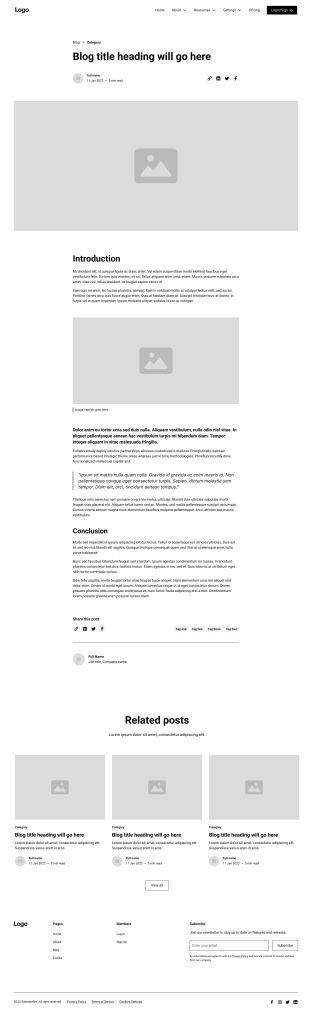
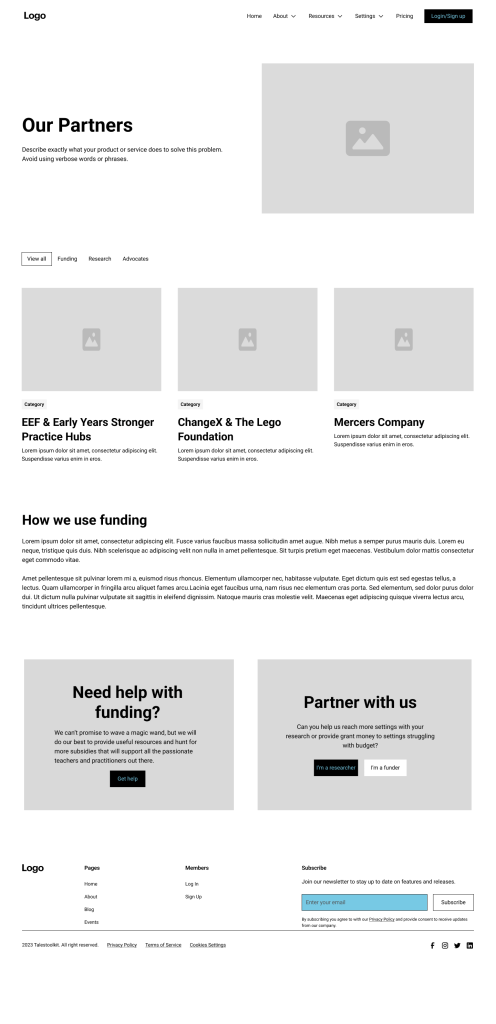
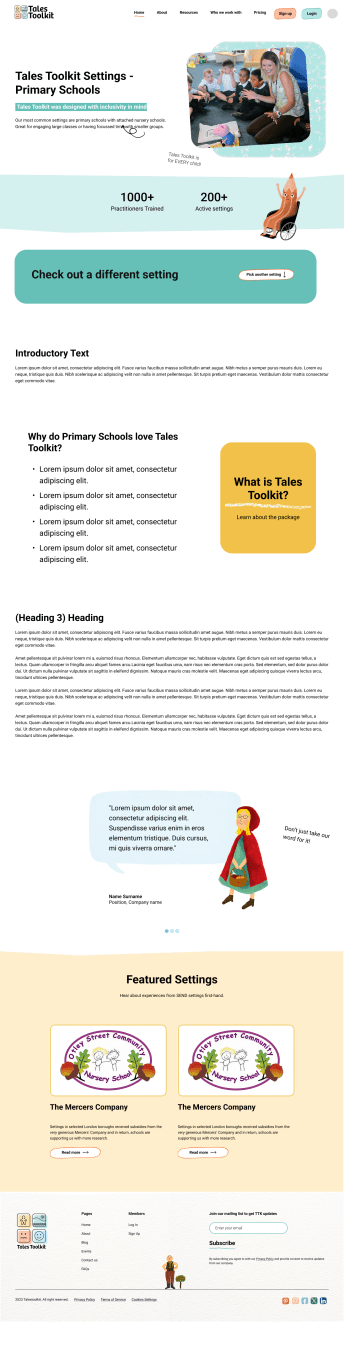
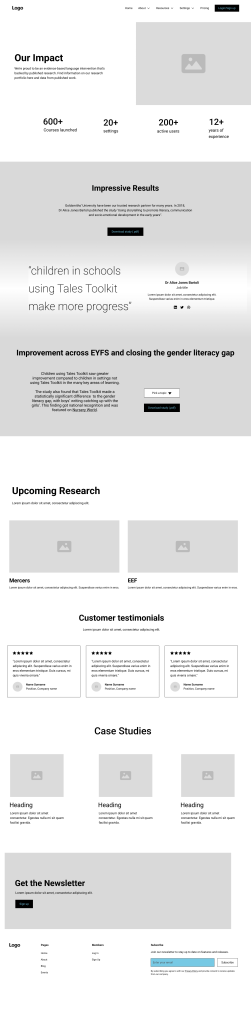
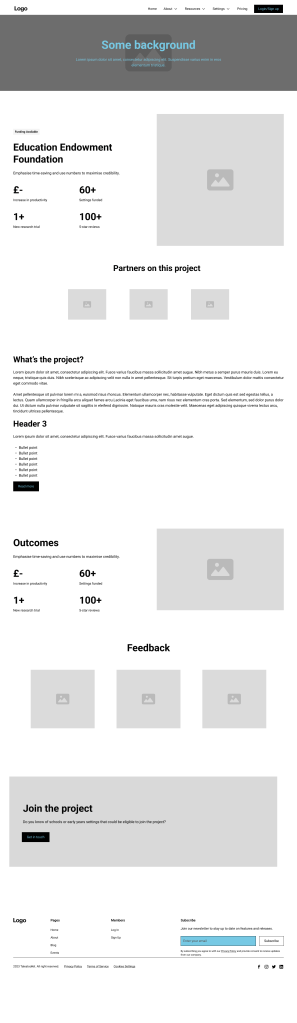
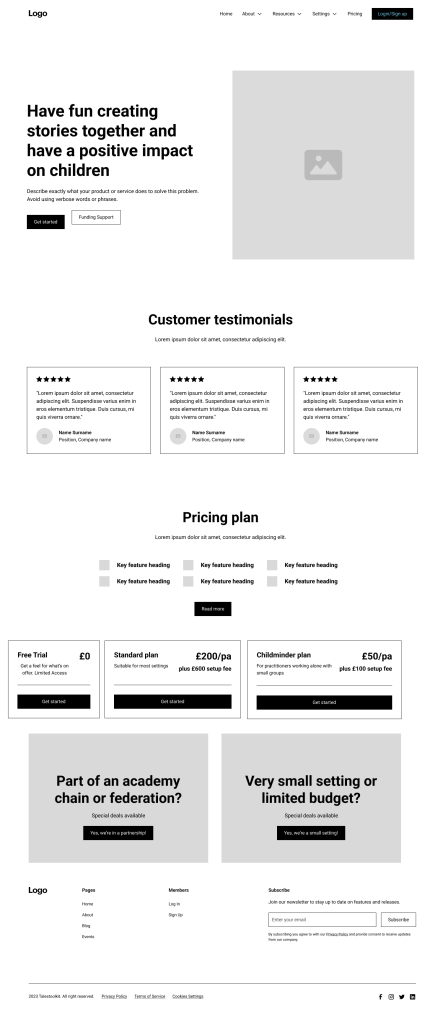
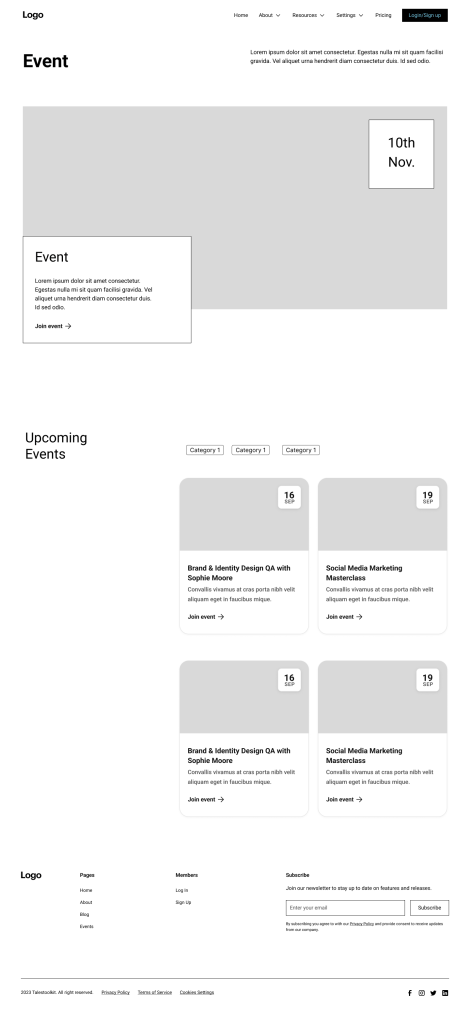
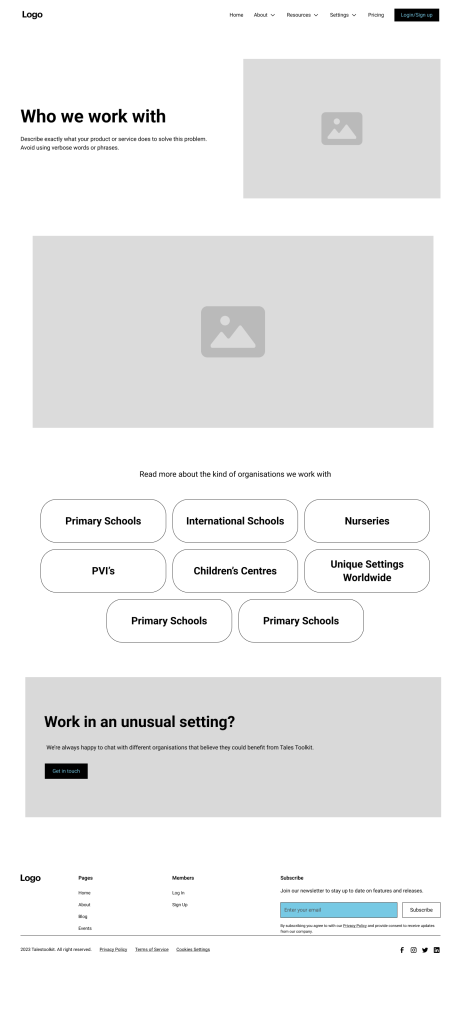
I created hi-res wireframes with support from a Webflow developer and together we implemented the designs.
Before
After
Project Goals
- Improve web conversions by considering user journeys. (Sales conversions take place offline, so web conversions may be defined as lead generation.)
- Improve site SEO to increase traffic of new prospects (especially decision makers) and improve overall brand recognition.
- Create a site that allows for the cohesion of different user journeys (teachers vs decision
makers) - Continue to show our playful brand through our design choices.
- Create a secure site to protect user data and product fidelity.
Company and Product Background Info
Tales Toolkit aims to provide young children with the means to share and tell stories that will
have a positive impact on their development – both emotionally and academically. We do this by
providing early years teachers with training and resources to make stories in their settings.
We pride ourselves on being a brand with purpose, backed by research and hold an ethos of
play in everything we do.
1. Design Phase
Wireframes were created in Figma. Over the iterative phase, key stakeholders included the company founder, a marketing consultant, Webflow developer and myself as Project Lead.
Information Architecture/Sitemap
The Information Architecture was created based on known user data of the existing website and known gaps in the conversion process.

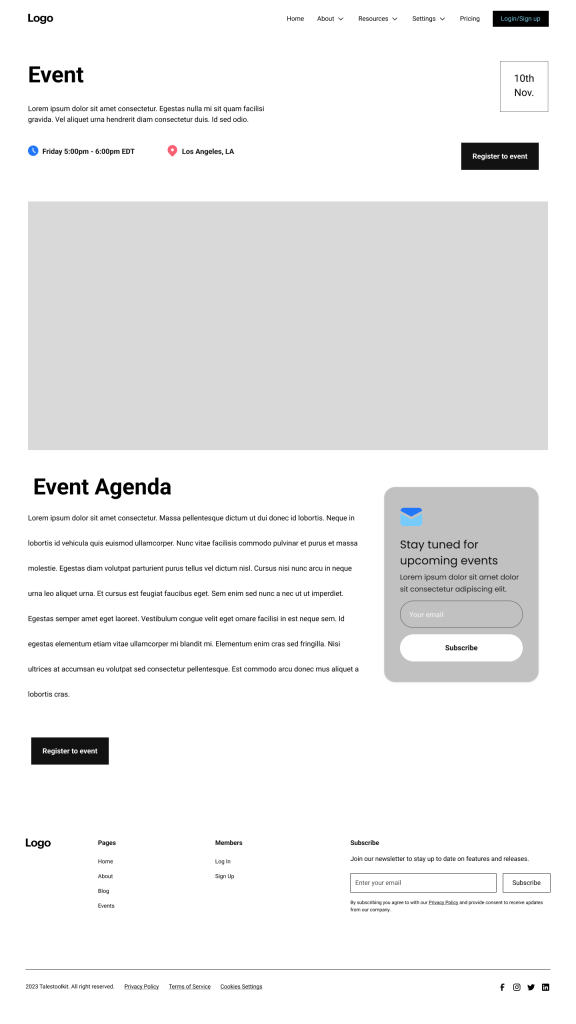
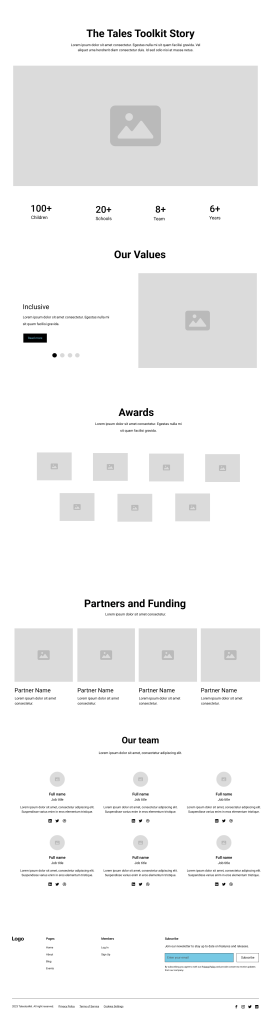
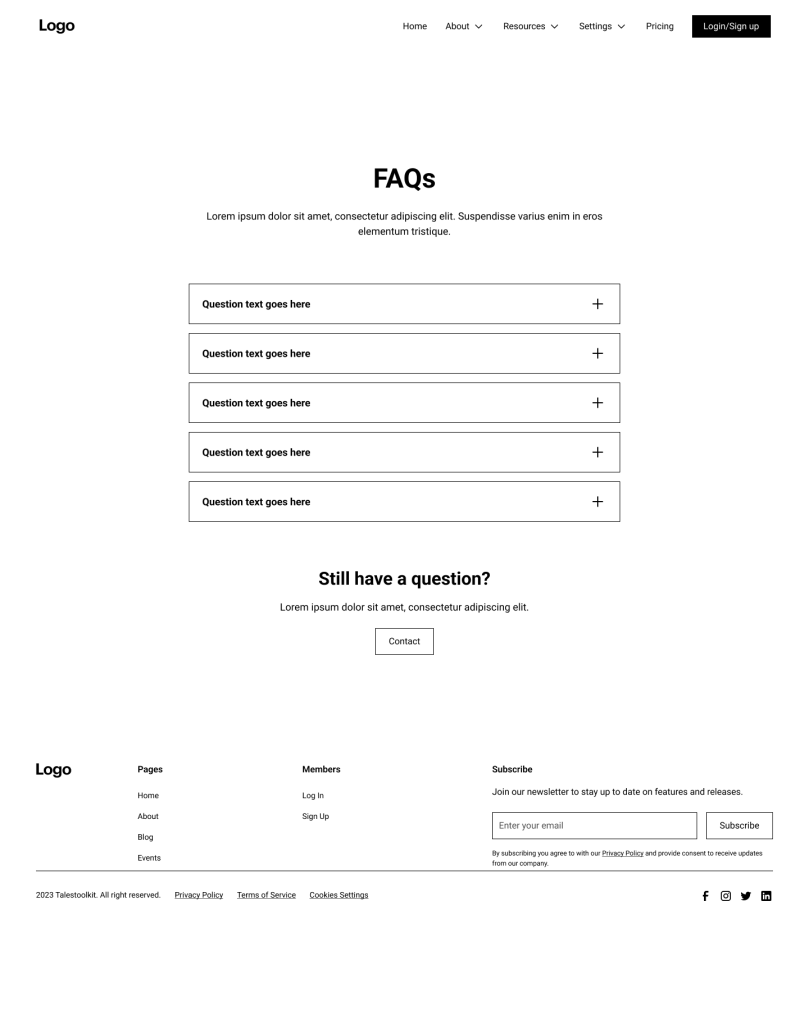
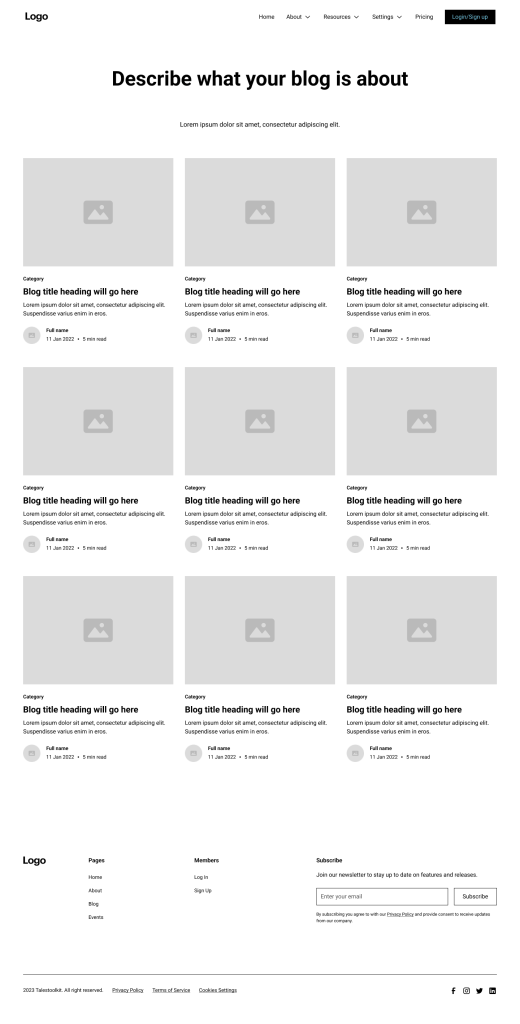
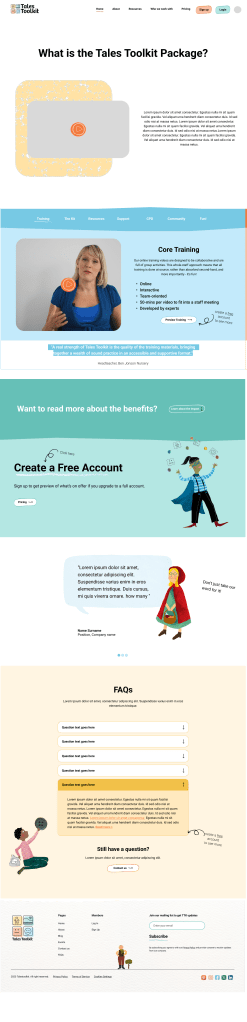
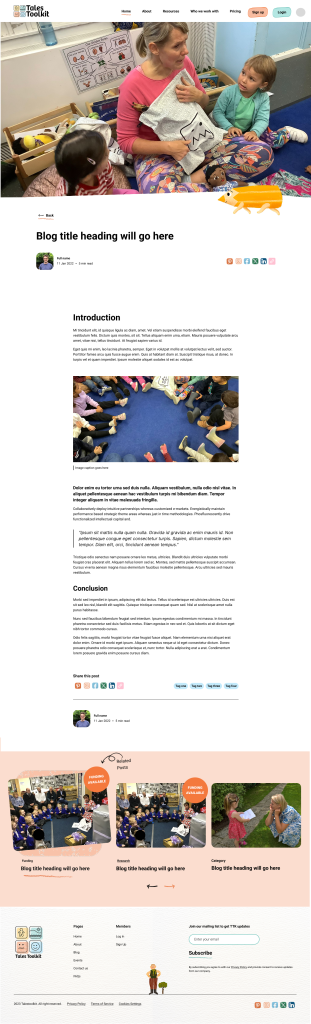
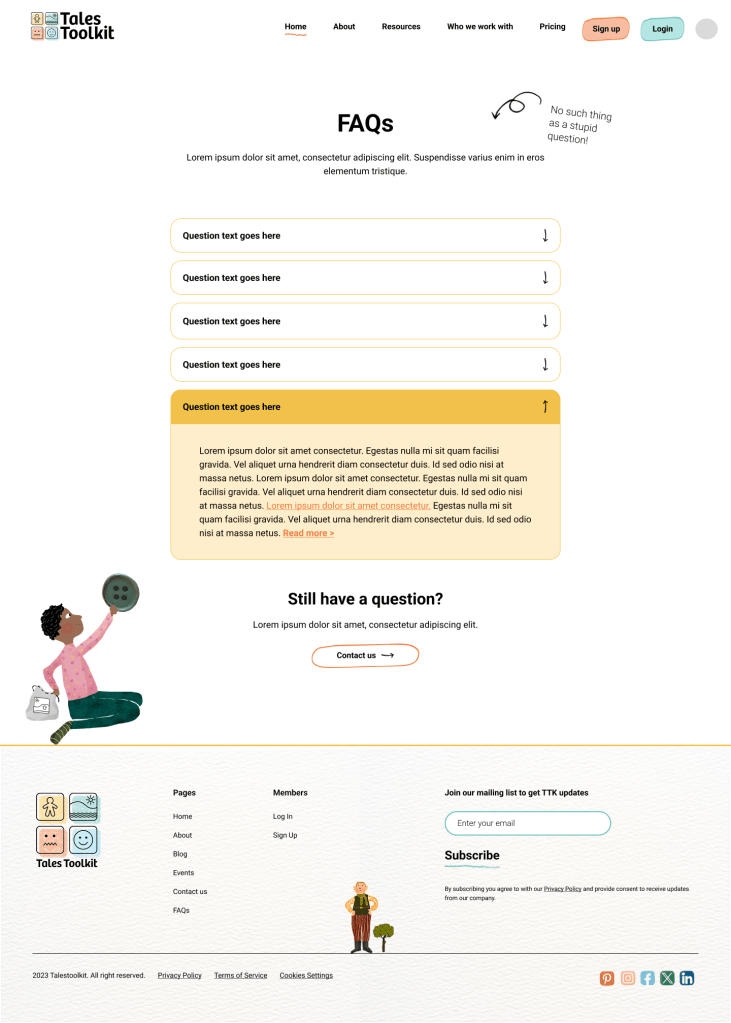
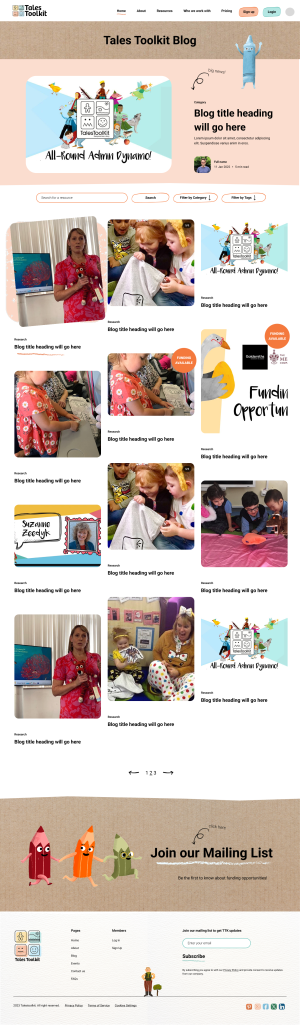
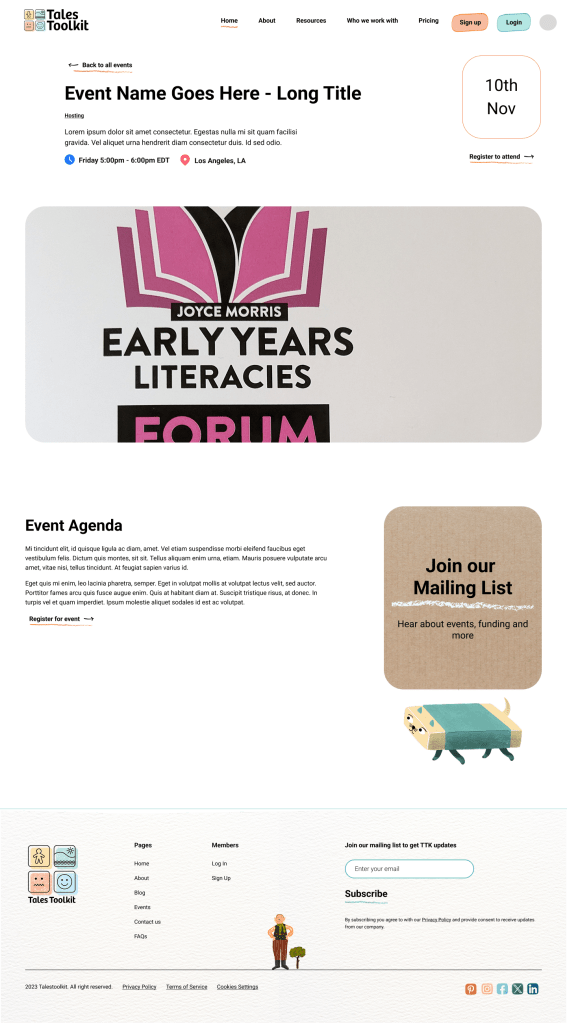
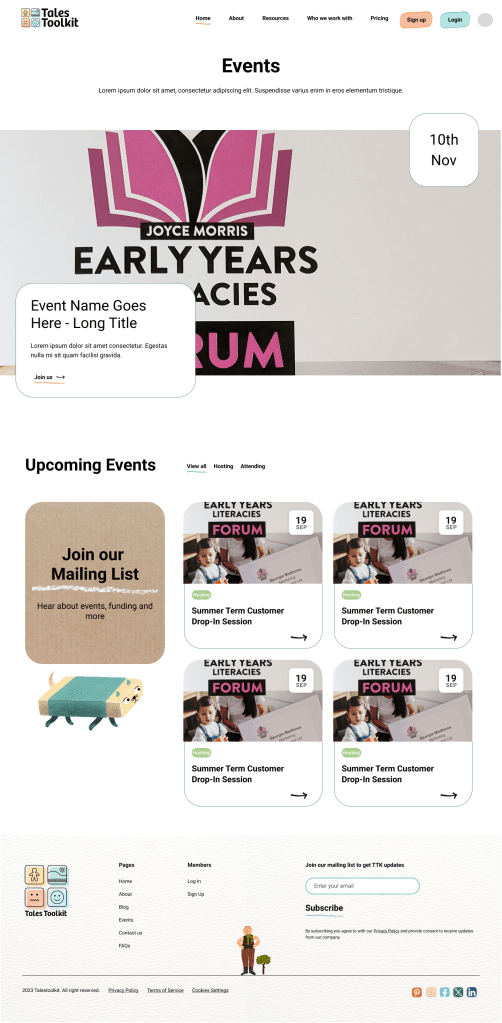
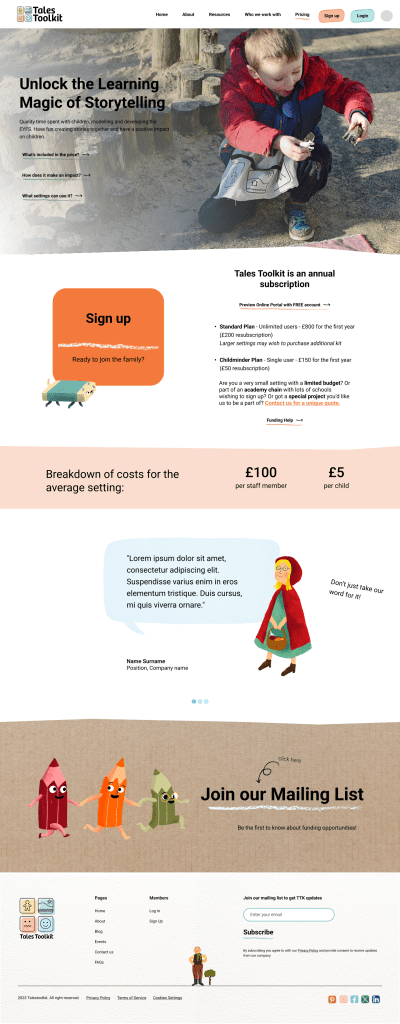
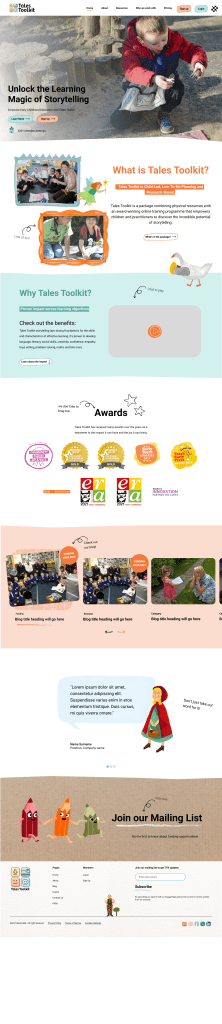
Figma Wireframing
Low Fidelity Wireframes









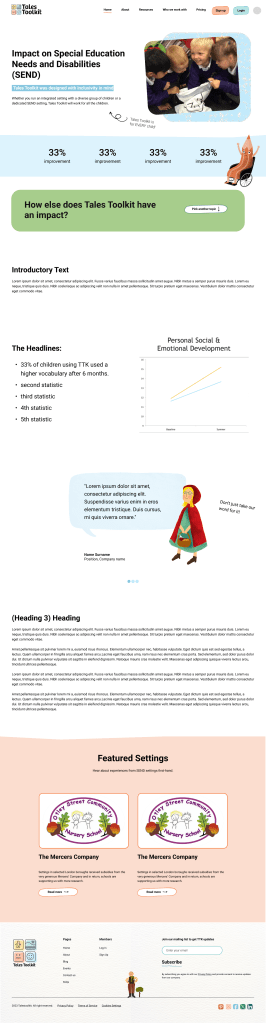
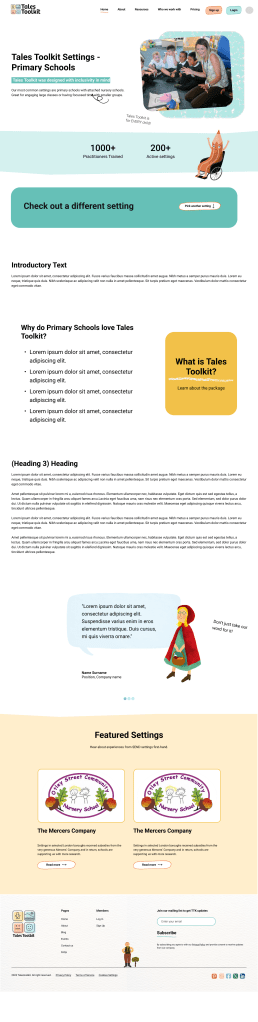
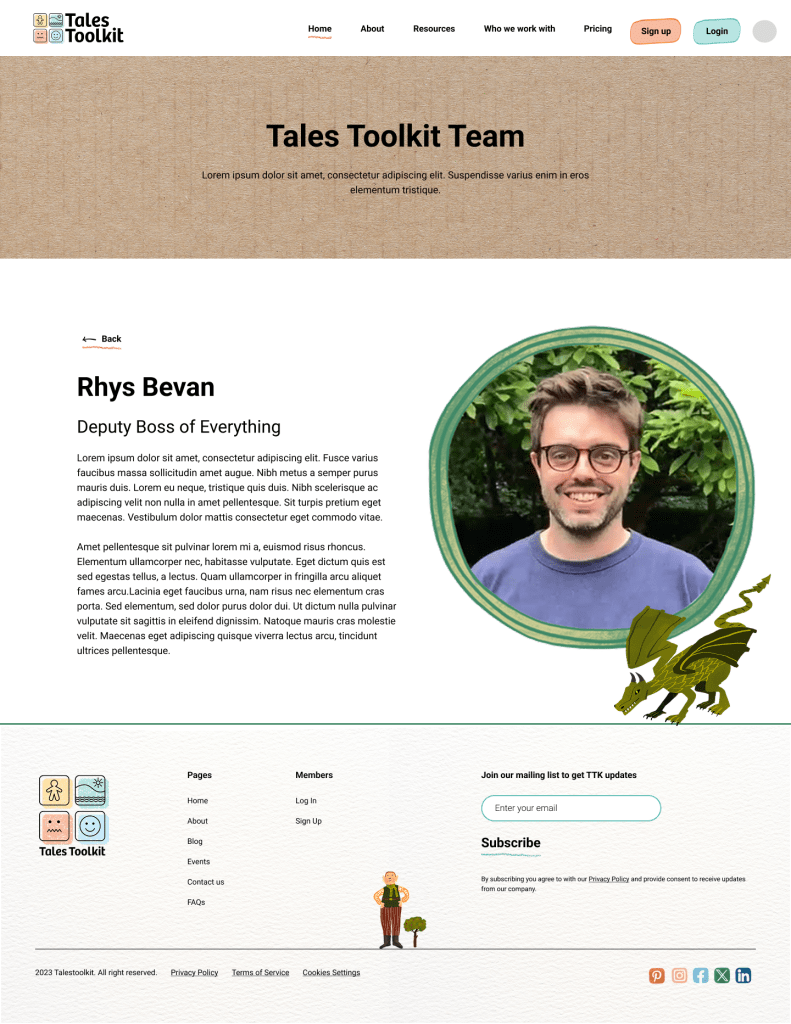
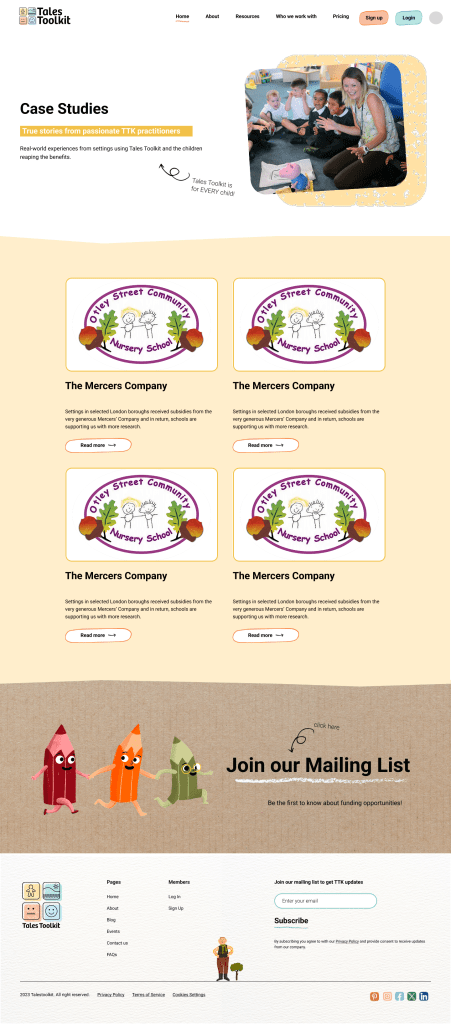
2. Development Phase
Development was a joint effort between myself and a Webflow developer.
Learning Webflow
This was my first project using Webflow and as a rather large project, it was great to have the support of the developer. With their expertise, I was able to quickly gain an understanding of how to manage the creation of responsive components, content collection pages and landing pages.
Custom Coding
Due to design complexity, some custom coding was required. This gave me the opportunity to understand more about coding and gave me some basics on using CSS, HTML and JavaScript.
Domain Management
The previous site had been managed by an external 3rd party and so it took some detective work to find out how our domain was being managed. And setting up the permissions between it and Webflow was another great lesson for me.
Tool Integration
CRM – Outseta
In order to improve internal processes, we chose to integrate the new website and online portal with a CRM called Outseta. Outseta is well setup to integrate directly with Webflow, which made subscribed content easier to manage.
Outseta is also used for user support and lead management.
Cookie Consent – Finsweet & Cloudflare
In order to comply with GDPR, a Finsweet Cookie consent component was setup with Cloudflare used to securely store permissions data.
Site Analytics – Matomo
We use Matomo to analyse site traffic because it is better for GDPR compliance. It is a powerful tool that provides comprehensive data on user behaviour, including heatmaps and live user recordings.
Data Collection – Jotform
Because some user data is quite comprehensive, we use an external tool to help us collate the data securely.
I could write a whole blog about all the other integration tasks that were setup at the time of site development, but suffice to say: there was a lot to figure out behind the scenes to make sure it all ran smoothly. I learnt a lot about integration, having investigated a number of different tools and discovering those that best aligned with our needs.
 Georgie Matthews Portfolio